The wallet
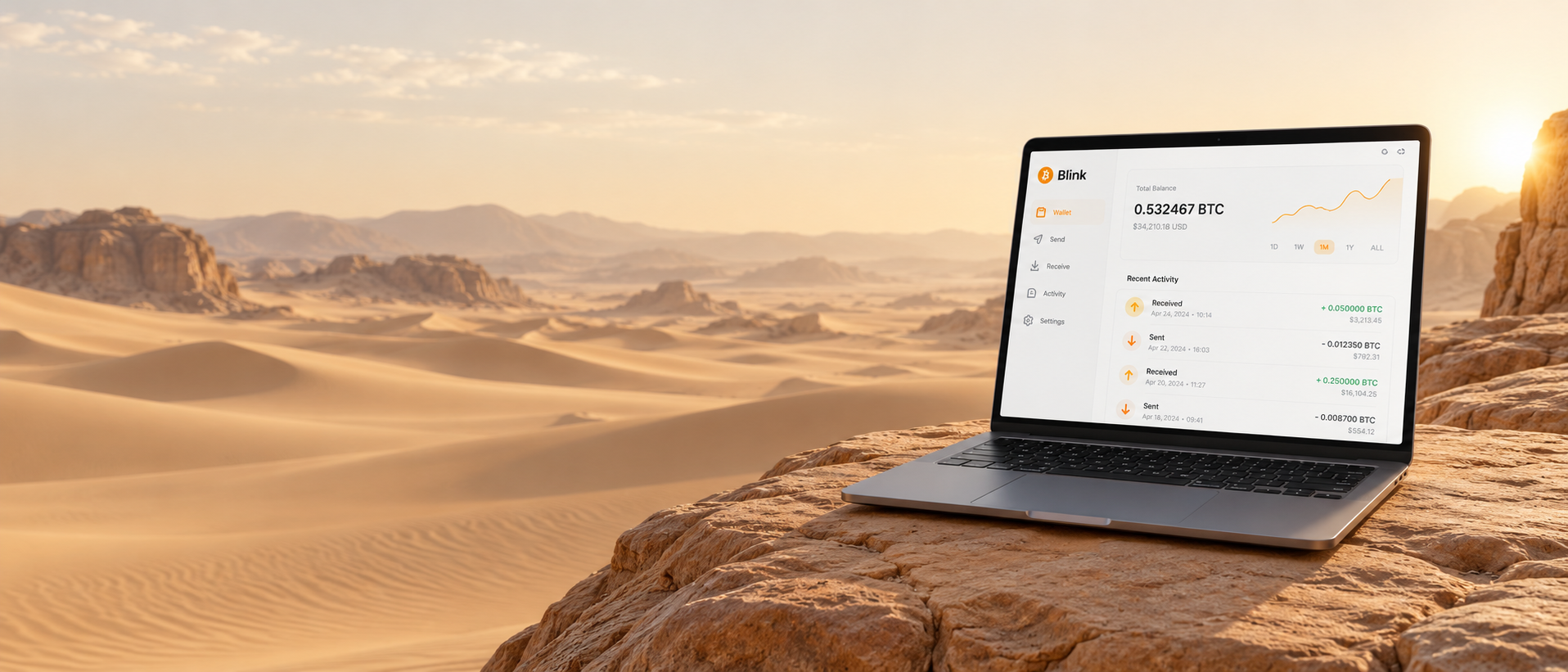
Your Bitcoin payments on your desktop.
Manage balances, send and receive Bitcoin, and review transaction activity from your desktop. Choose account-based access or self-custody with Spark, where you hold the keys and recovery information.

Send
Send with a review step built in.
- Paste or scan an invoice, Lightning Address or Bitcoin address.
- Enter the amount and choose a balance.
- See the payment method — Lightning or on-chain — and any network context.
- Review everything, then confirm. Payments are generally final.
Receive
Every way to get paid, in one panel.
Share your Lightning Address (like [email protected]), create a one-time Lightning invoice for a set amount, show a QR code, or hand out an on-chain Bitcoin address.
Balances
Two balances, one clear view.
- Bitcoin Balance holds bitcoin and shows sats with an approximate local value. Its value follows the Bitcoin price.
- Dollar Balance keeps a US-dollar-denominated value for stability. It isn't a bank account and earns no interest.
- Choose which balance to pay from or receive into, each time.
Activity
A history you can actually read.
Received payments, sent payments, Lightning transfers and on-chain deposits are listed together, each with its balance, method and status — including confirmations for on-chain transactions.
Bitcoin market · Binance
BTC / USDT
—
Connecting to Binance…
Market price in USDT, separate from your wallet balance. View on Binance ↗

Wallet modes
Custodial or non-custodial.
Bitcoin operates through a decentralized, peer-to-peer network. Your wallet model determines who controls access to your funds. With custodial Blink, Blink manages balances through your account. With self-custody through Spark, you hold the keys and safeguard your 12-word recovery phrase.
Workflow
How a payment flows through Blink.
Open Blink Wallet
Launch the desktop app.
Choose balance
Bitcoin or Dollar.
Send or receive
Pick the method that fits.
Review & confirm
Check recipient and amount.
Activity
See it recorded with its status.
Keep exploring